CarPixly — An AI car photo studio that works from the car park to the showroom
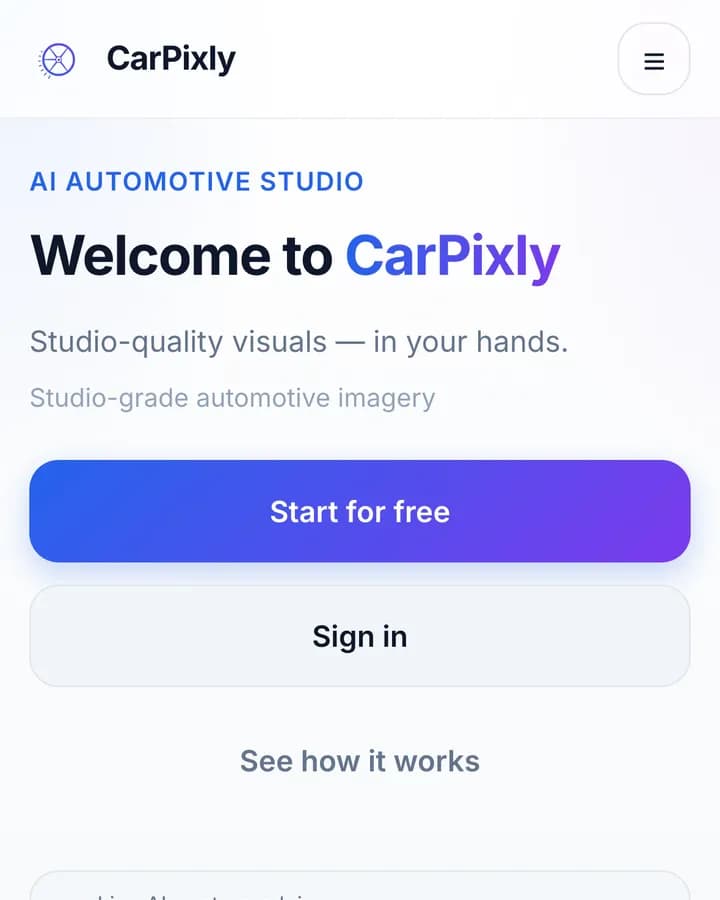
CarPixly turns an ordinary photo of a car into a studio-grade image. The background becomes a showroom, a workshop or a custom scene, and the render lands in a garage shared by the web studio and the mobile app. We designed the product, built the web app and its marketing site, and shipped it in English, German and Russian.
Challenge
Dealers and private sellers photograph cars wherever the car happens to be: a car park, a street, a service bay. The photo sells the car before the description does. A studio shoot costs a day and a booking; a phone photo costs nothing and looks it. CarPixly had to close that gap for people who are not photographers, so the product had to help before the shot as much as after it, and work the same on a laptop in the office and a phone on the lot.
Approach
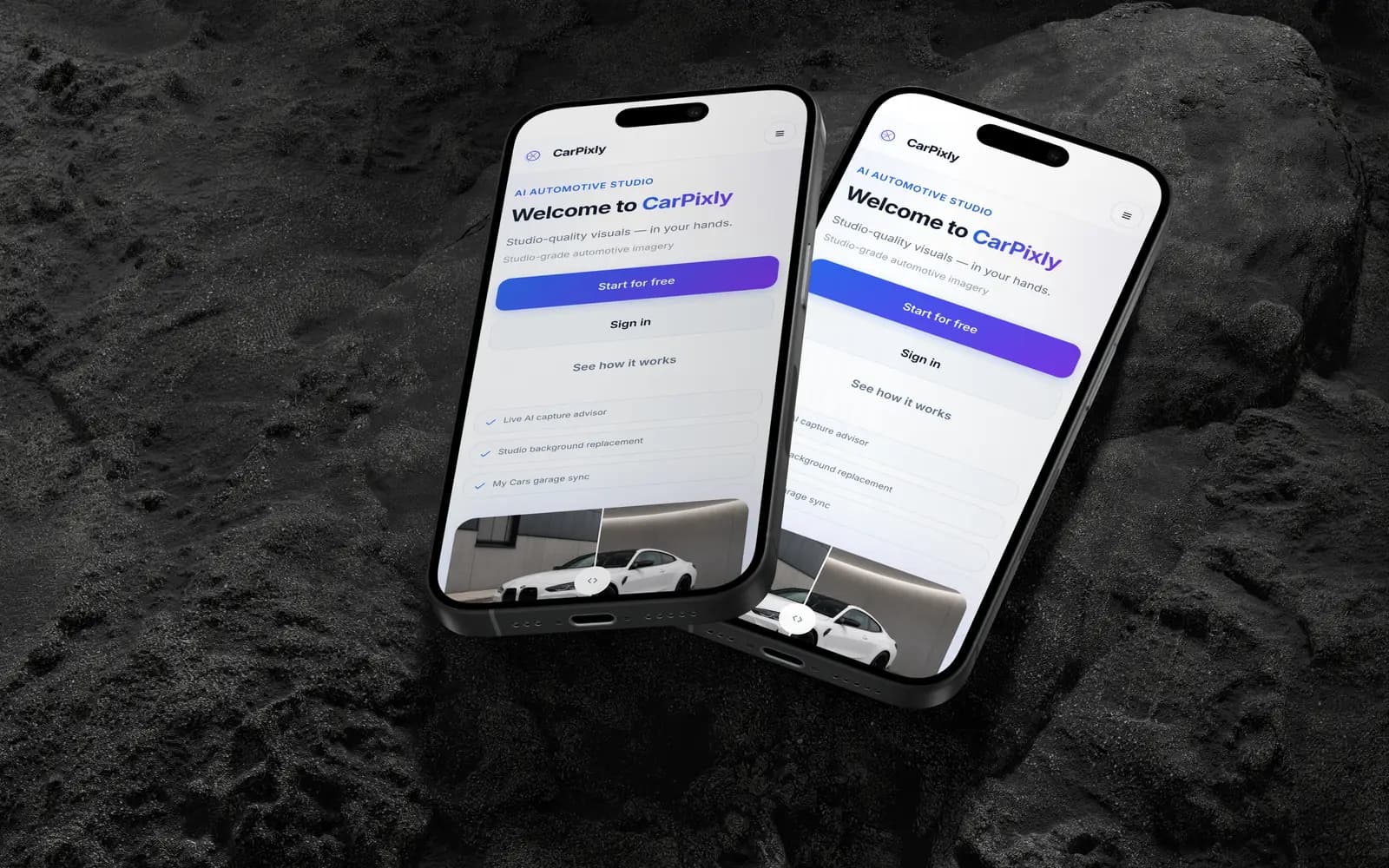
We treated it as one product with two front doors. The web studio takes uploads from a computer; the mobile app adds the camera with live AI framing hints. Both sign into the same account and write to the same garage, so a car shot on the lot is already waiting on the desktop. Rendering runs on credits: anyone can sign up and explore the studio for free, and payment starts at the moment of value, the render.
One flow: studio, capture, render
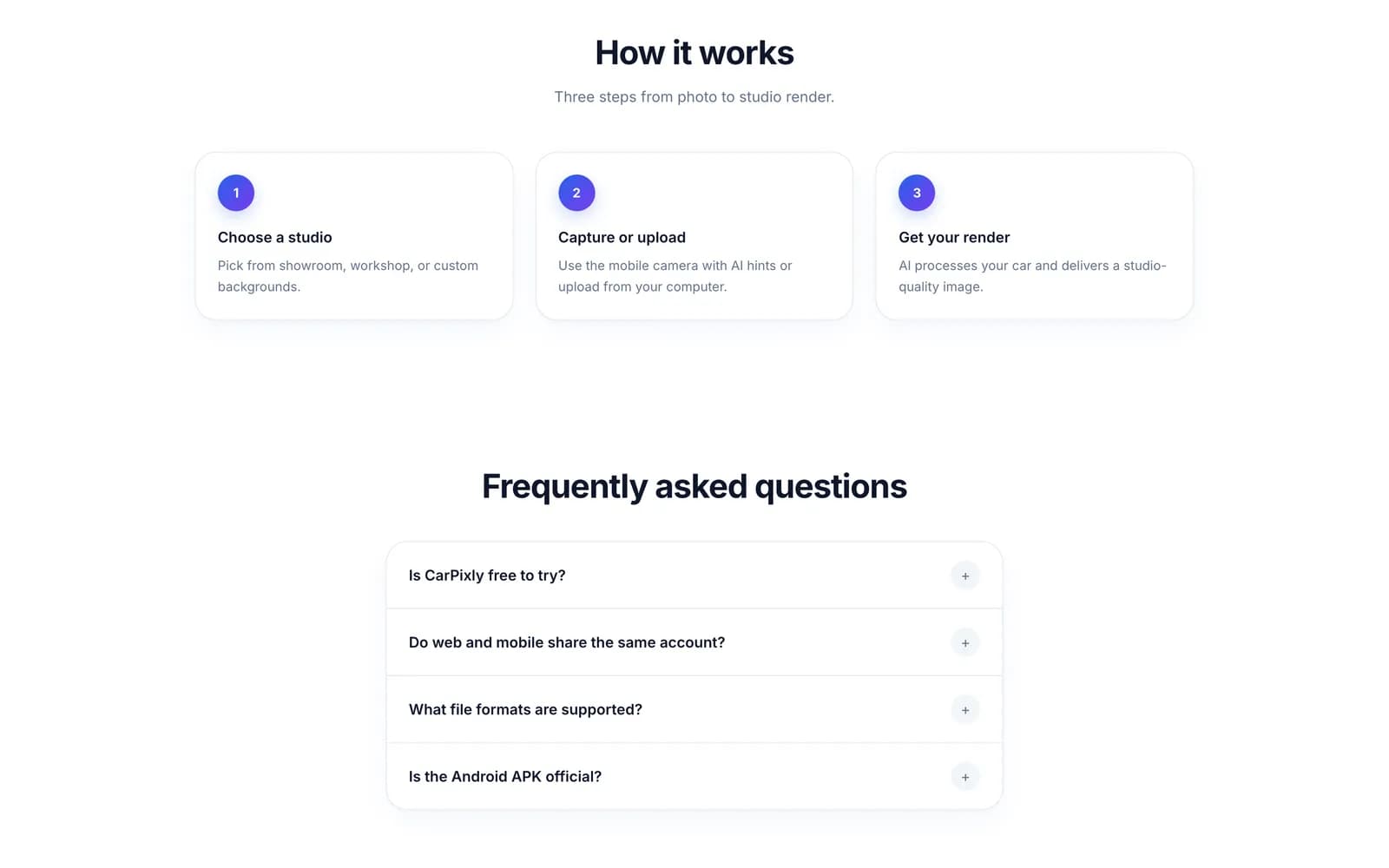
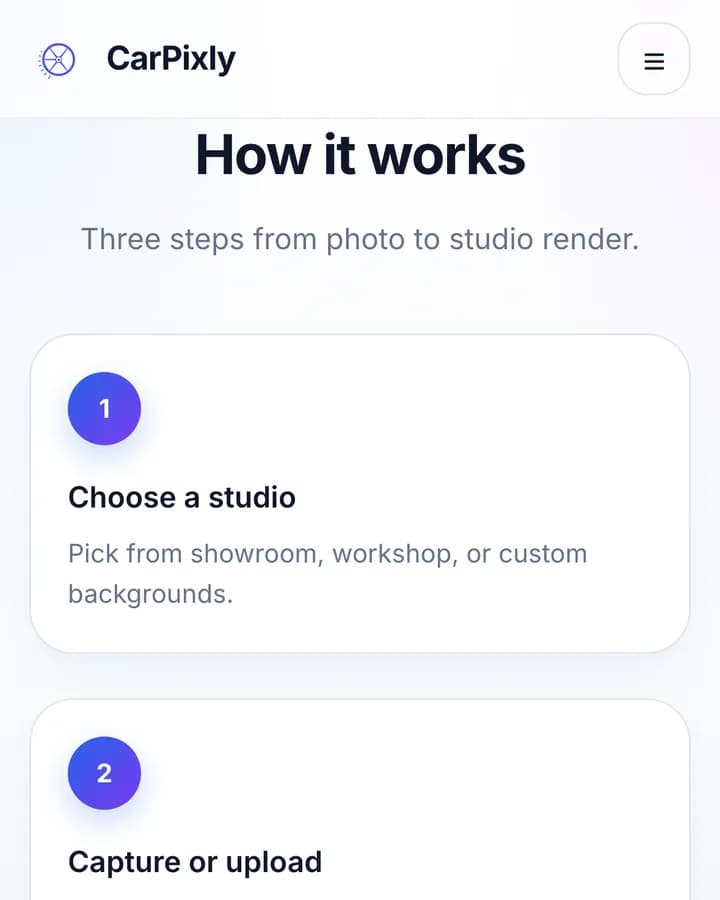
Every job in CarPixly follows the same three steps, and the interface always shows which one you are on:
- Choose a studio. Showroom, workshop or a custom background. Each card previews the scene on seven angles of a car, so the choice is made on what the result will look like, not on a picture of an empty room.
- Capture or upload. The camera on the phone; drag and drop on the web, for JPEG, PNG or WebP up to 15 MB.
- Get the render. The photo goes into a processing queue and comes back as a studio image, saved to the car it belongs to.
Picking the scene before the photo, not after, was a deliberate call. The capture advice can then be specific to the scene, and the user commits to an outcome before spending a credit.
Show the result before the promise
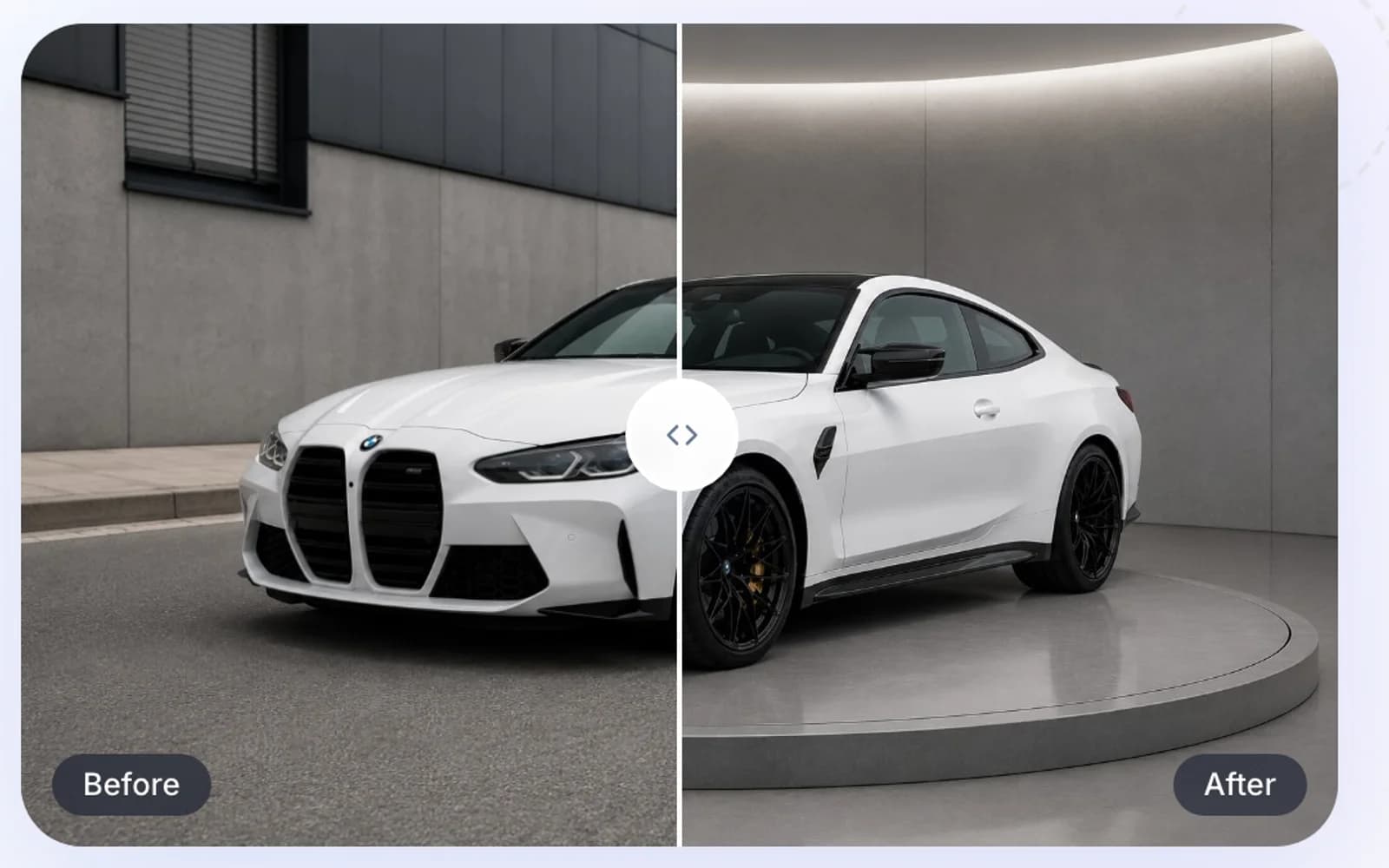
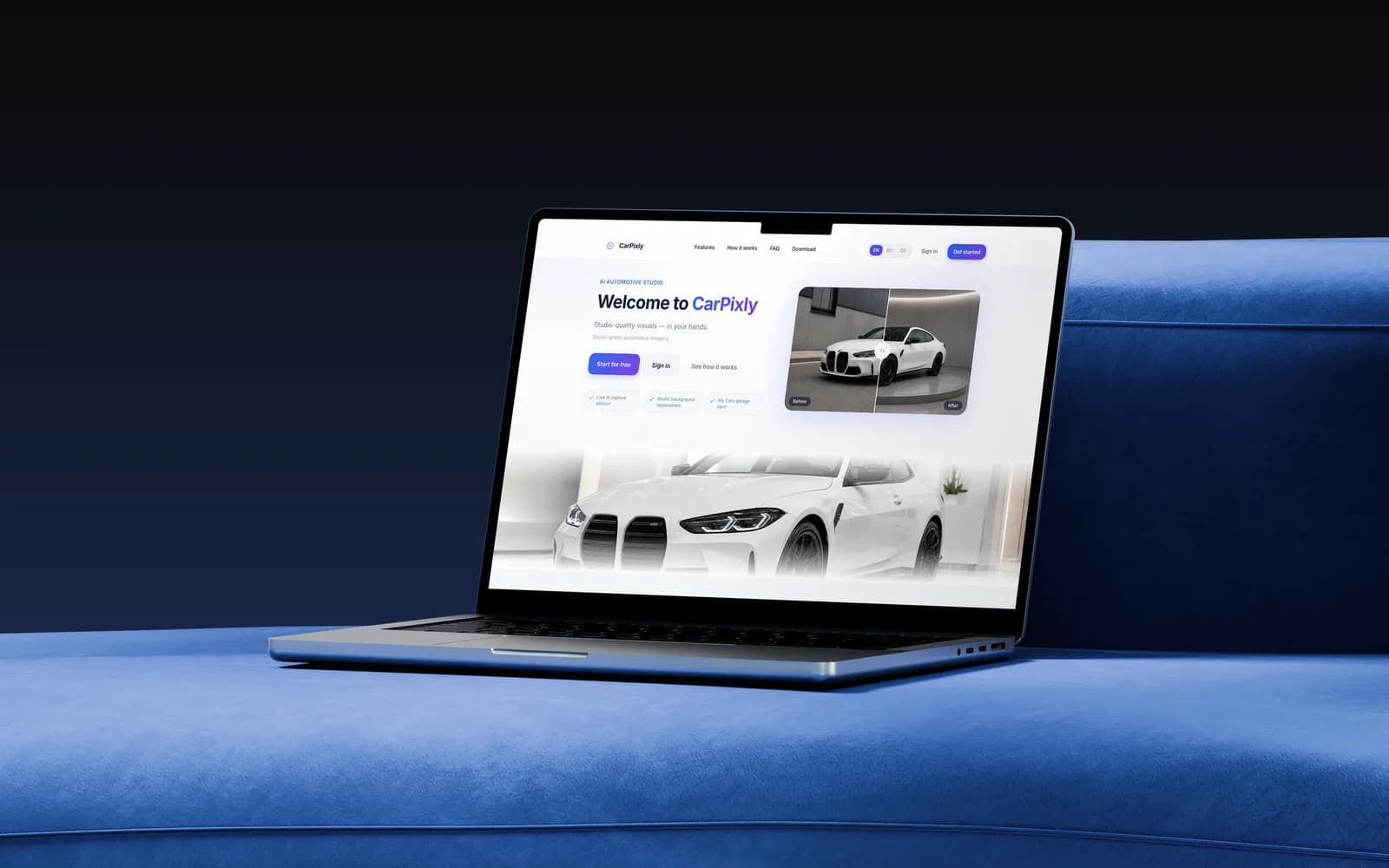
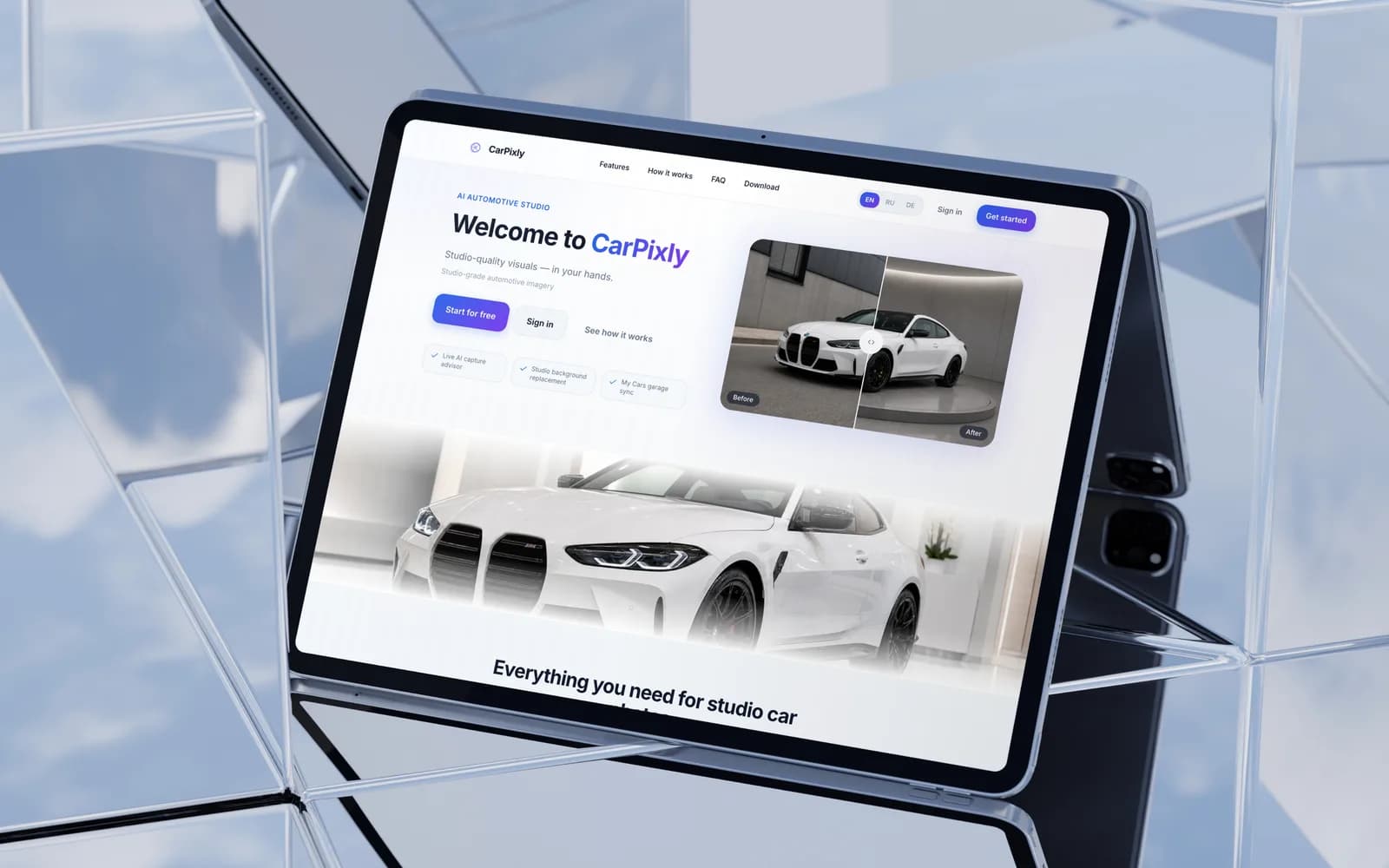
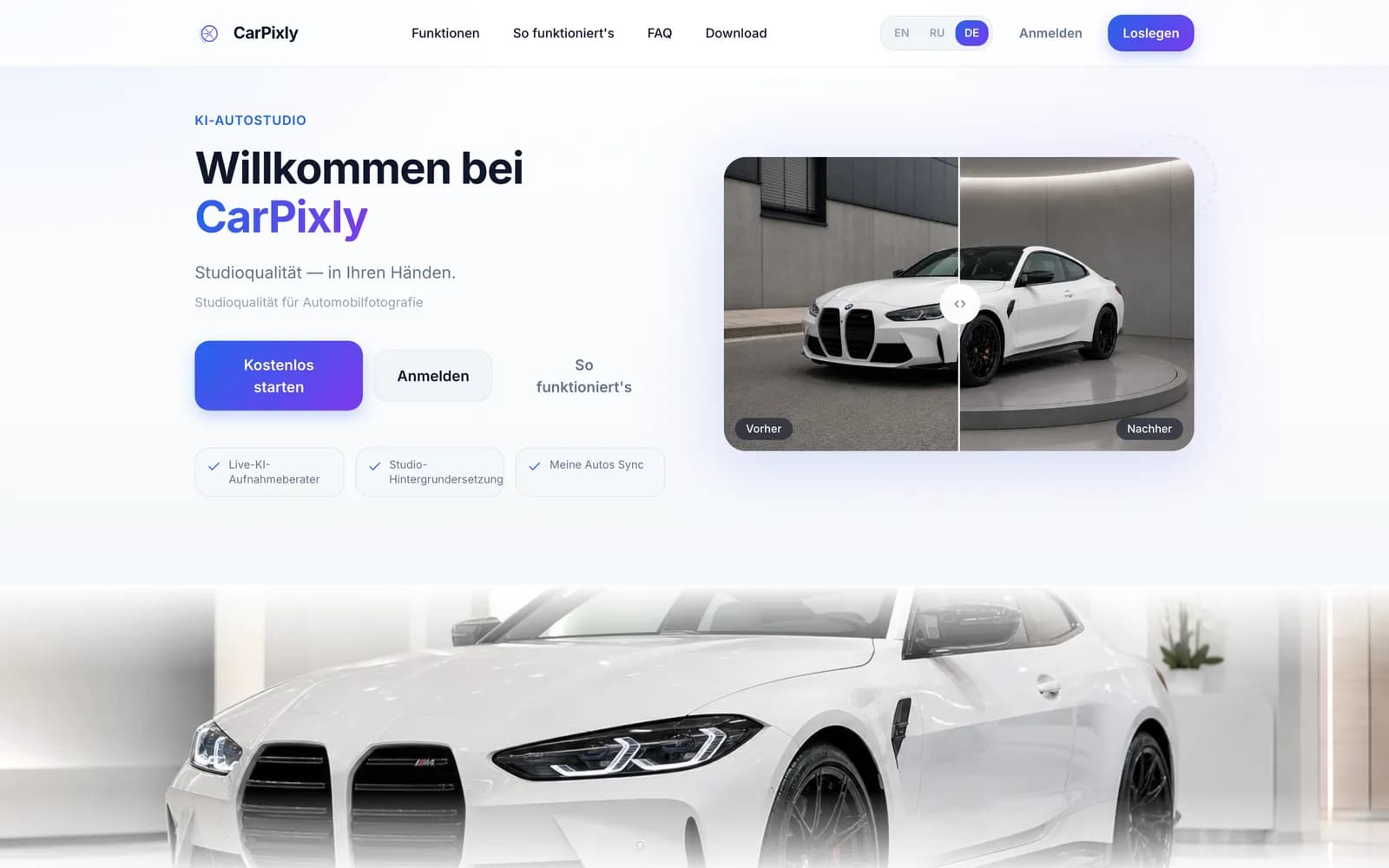
The first screen of carpixly.de is a before/after slider with a real render, not an illustration. A visitor drags the handle and watches their own problem, a car against a grey wall, turn into the photo they want. Three chips under the headline name the features that make it work: the live capture advisor, background replacement and garage sync.
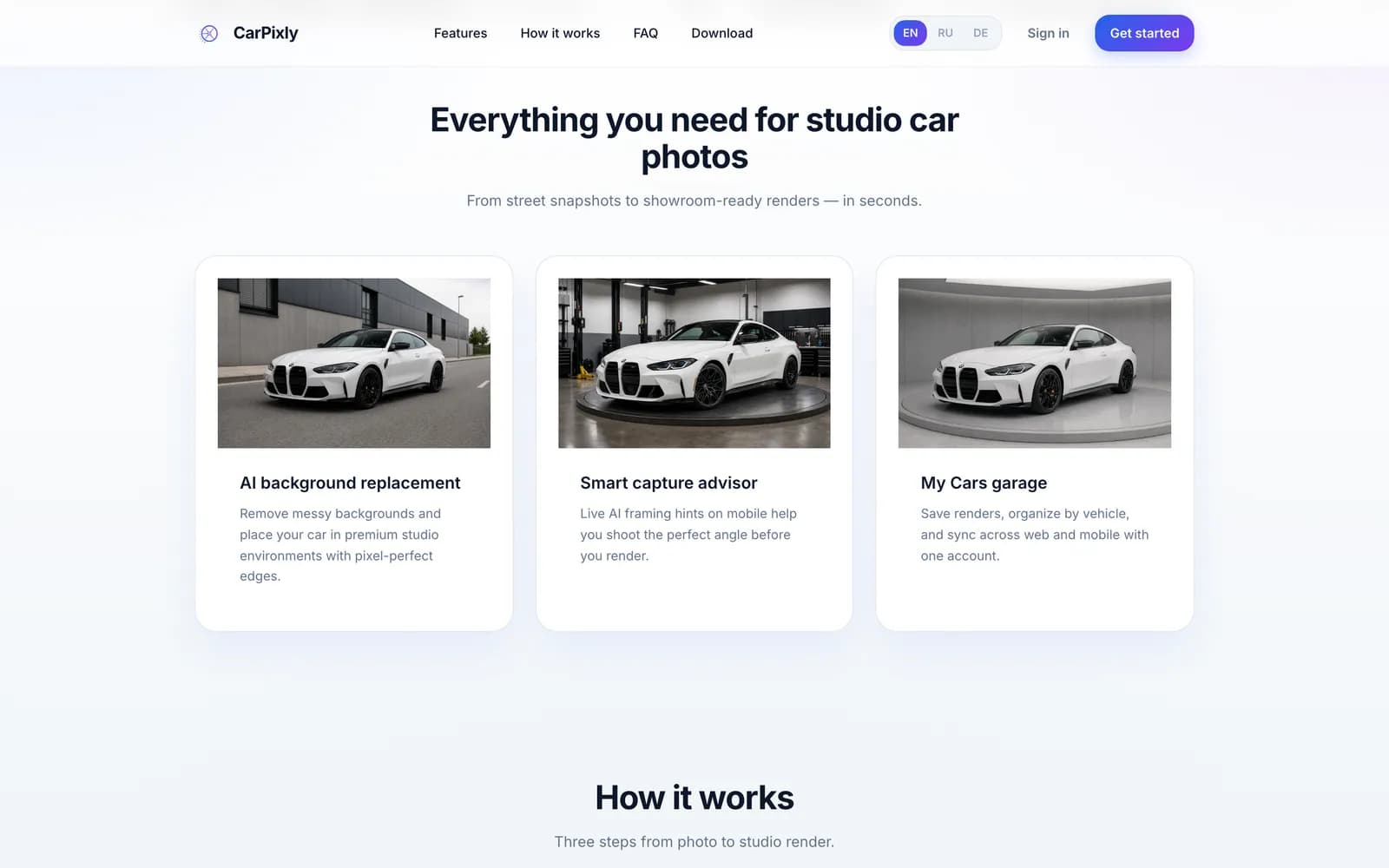
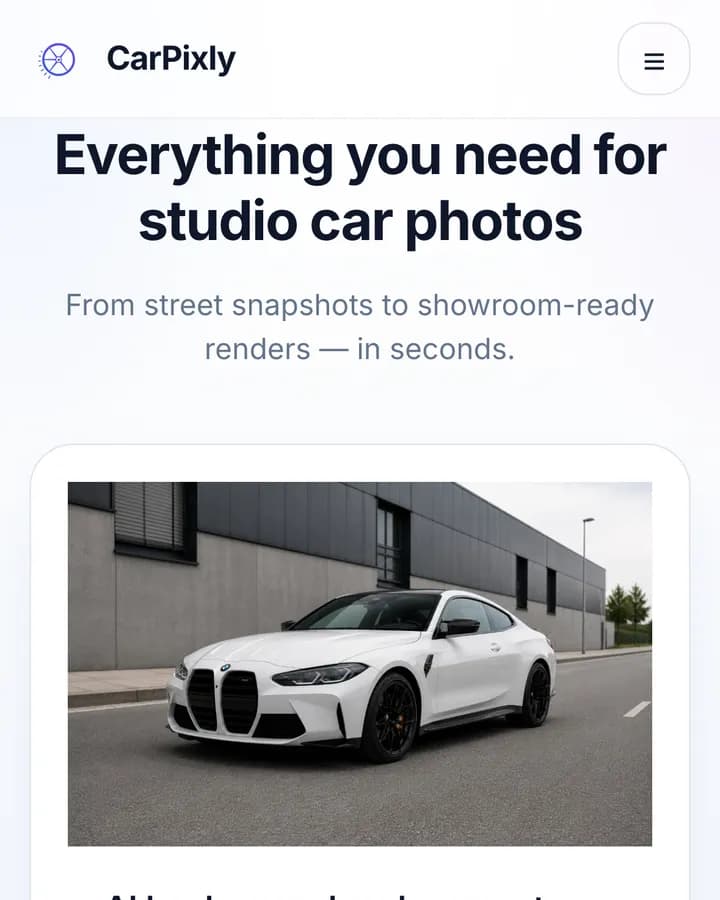
A full-width render then carries the page into the feature cards, each showing the same car in a different scene. Using one car across the page is intentional: the scene is the only thing that changes, which is exactly what the product changes.
Guiding the shot, not only fixing it
Background replacement can only work with what the camera captured. So the mobile app watches the frame and talks back in plain words: point the camera at the car, move right, low lighting — find more light, perfect framing — shoot now. Each hint is short and one at a time, because the user is holding a phone at arm's length next to a car and is not going to read a paragraph.
Camera access is requested at the moment it is needed, with a one-line reason, and the gallery is always one tap away for photos already taken.
One garage on every device
My Cars is where renders live, grouped by vehicle rather than by date. That is how the work is actually done: a dealer thinks in cars, not in photo sessions, and when a listing is being written the car's whole set of images is one tap away.
Web and mobile share one account, so the garage syncs both ways. An upload from the office and a shoot on the lot end up in the same place, which is the reason to have both apps at all.
Credits, billing and an admin that runs the catalogue
Renders are paid for with credits, topped up through a hosted checkout. The billing screen is short: packages, balance, one action. Errors say what happened and what to do next, such as "Top-up is temporarily unavailable", never a bare code.
Behind it, an admin panel manages the background catalogue and sets the price of custom backgrounds, with a recommended default and hard limits, so pricing changes without a release.
If you are budgeting a product like this, our breakdown of what a SaaS MVP costs shows where the money goes.
A download page the product controls
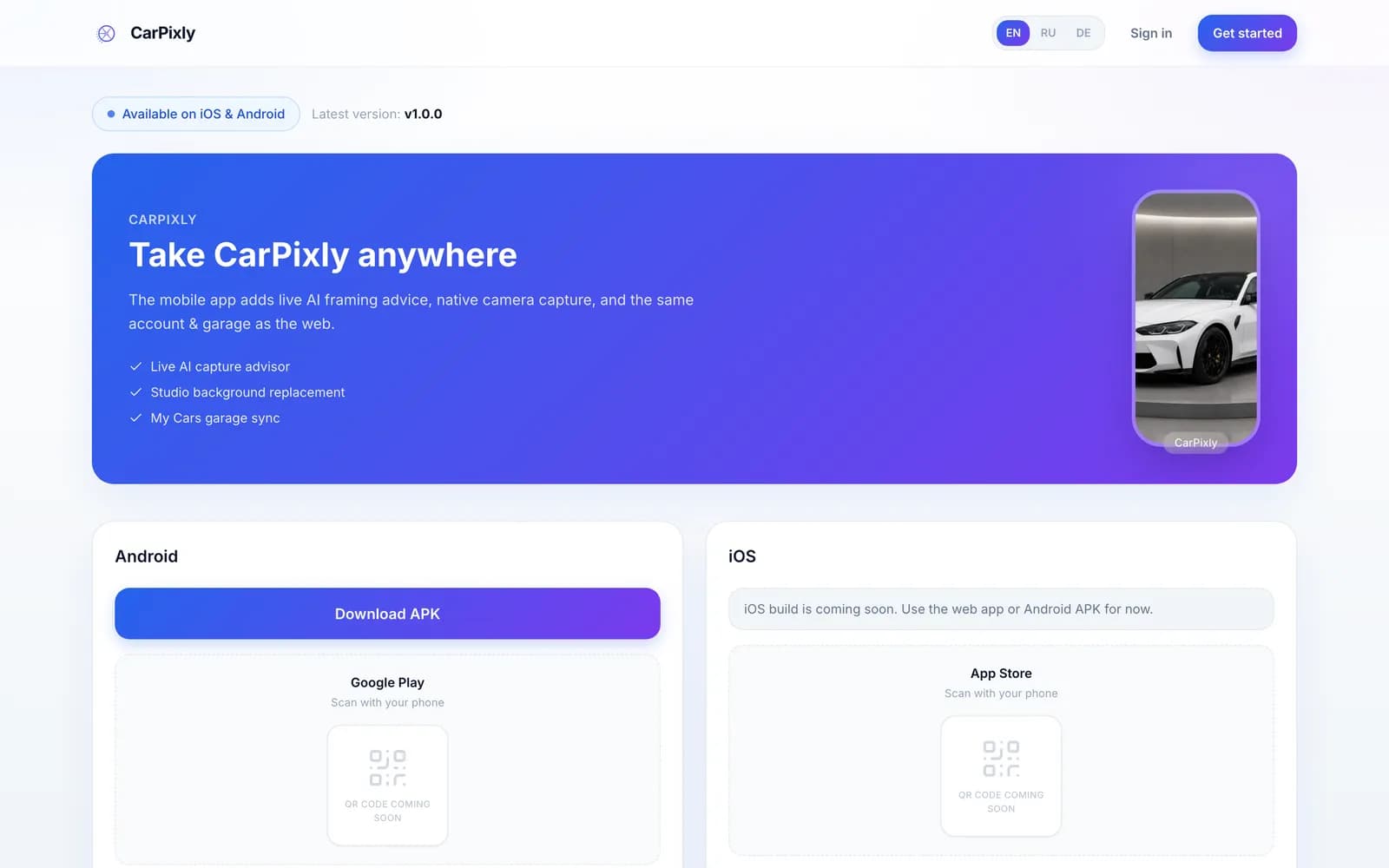
Android ships now as an APK from the site and the iOS build is on its way, which made the download page a piece of product design in its own right. It recognises the visitor's platform, gives four numbered install steps, lists what changed in the release, and says plainly that the app should only be installed from this page or an official store.
Three languages from day one
CarPixly speaks English, German and Russian, switchable from the header on every page. German was not an afterthought: the core market is German, and "Studioqualität — in Ihren Händen" had to read as native copy rather than a translation of the English line. Interface strings, errors, install steps and the FAQ are all localised, and buttons and chips were sized for the longer German labels.
Built to be found
The public pages carry the words people search with: AI car photography, car background replacement, automotive studio. They have a written meta description, Open Graph tags with a real render as the preview image, and a sitemap, while robots.txt keeps the app and API routes out of the index.
The homepage FAQ answers the questions people ask before signing up: is it free, do web and mobile share an account, which formats work, is the APK official. Those are also the questions they type into a search box.
The fastest way to explain an AI product is to show what it did to a photo people recognise.
Where this sits in our work
CarPixly draws on our product design, web and mobile development and AI automation practices, with SEO built into the marketing pages from the start. For another product where one visual had to do the explaining, see Vexel AI. Have a product like this in mind? Tell us about it.
What shipped
- Web studio: scene choice with seven-angle previews, drag-and-drop upload, processing queue, render
- Mobile capture with live AI framing hints and a gallery fallback
- My Cars garage grouped by vehicle and synced between web and app on one account
- Credit balance with hosted checkout, plus an admin for backgrounds and pricing
- Marketing site, FAQ and download page in English, German and Russian
Frequently asked
It replaces the background of a car photo with a studio scene (showroom, workshop or a custom background) and saves the render to a garage shared by the web studio and the mobile app.
Car dealers, private sellers and anyone who lists cars online and needs consistent, studio-looking photos without booking a studio.
The web is for photos that are already on a computer; the app is for shooting on location with live AI guidance. One account connects them, so the garage is the same on both.
With credits. Signing up and exploring the studio is free; each render uses credits from a balance that is topped up through checkout.
English, German and Russian, across the marketing site, the app interface and the download page.
Inside the site
“Dealers have to get it in five seconds, and the before-and-after on the first screen does exactly that. Sakura thought through the whole path, from the hint on the camera to the finished photo in the garage, and it feels like one product on the web and on the phone.”